AI Eyewear Studio
Studio Model
Optional — pick a studio model and her face is used for both on-model shots. Or leave it empty and upload your own face photos in step 2.
Eyewear References
— drop all your images at once, then drag each one to its slotLoad from a product link
Drop all your garment images here in one go — then drag each one to its slot below
or click to browseFace front (worn)
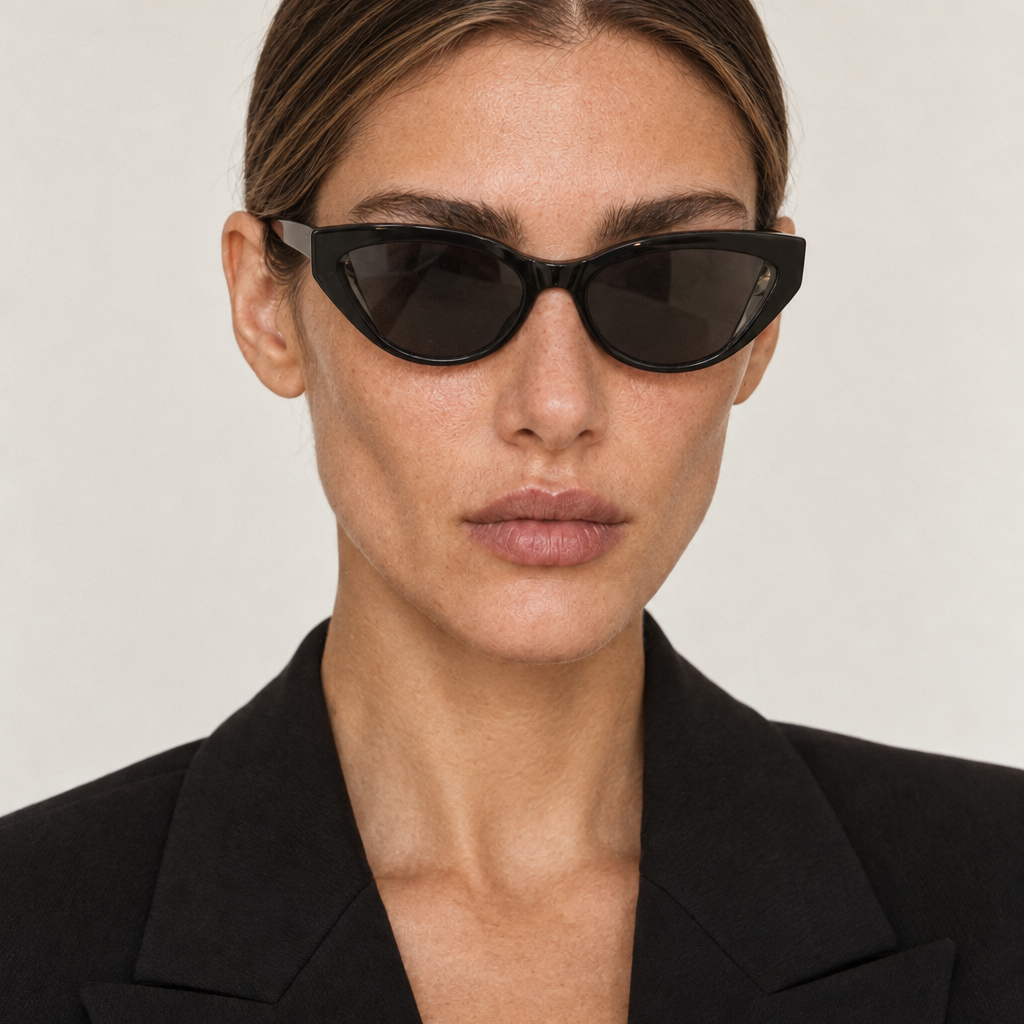
Model wearing the eyewear, front view
Face side (worn)
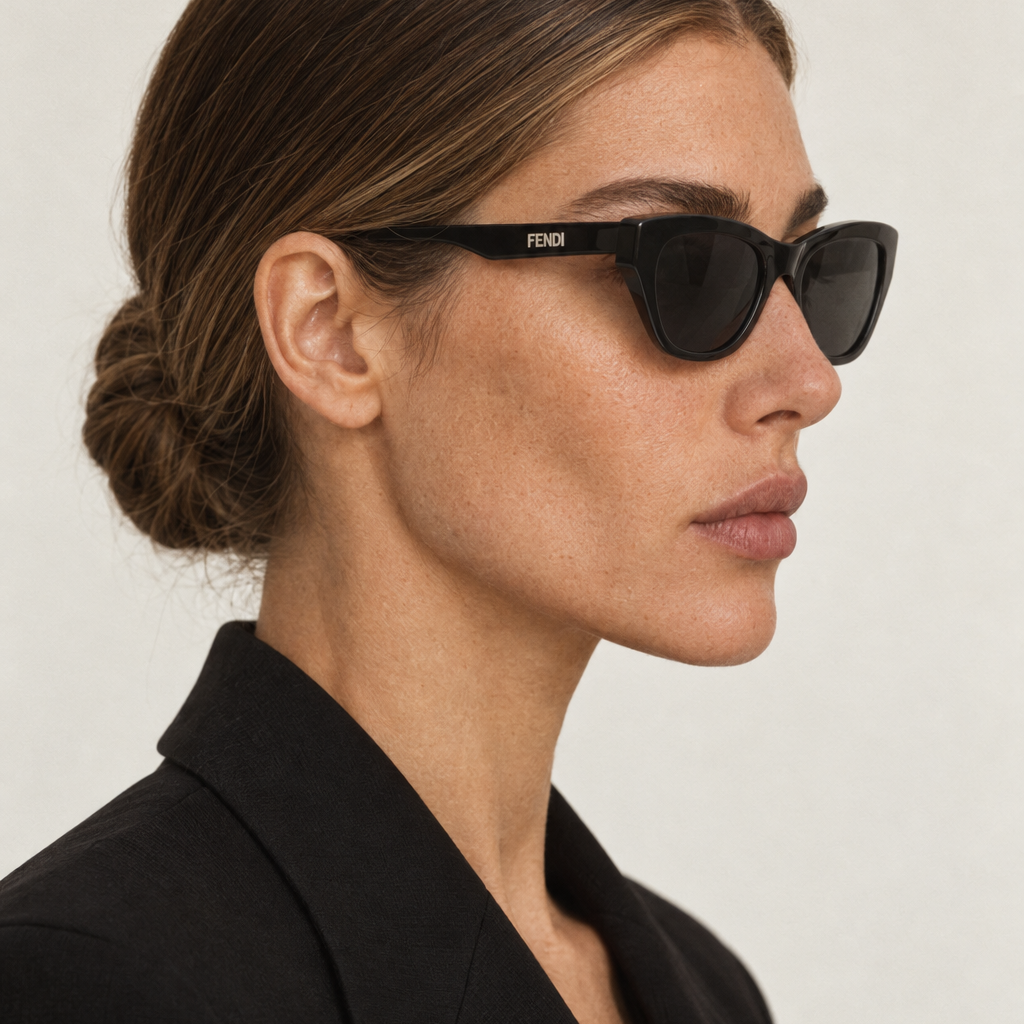
Model wearing the eyewear, side profile
Eyewear front
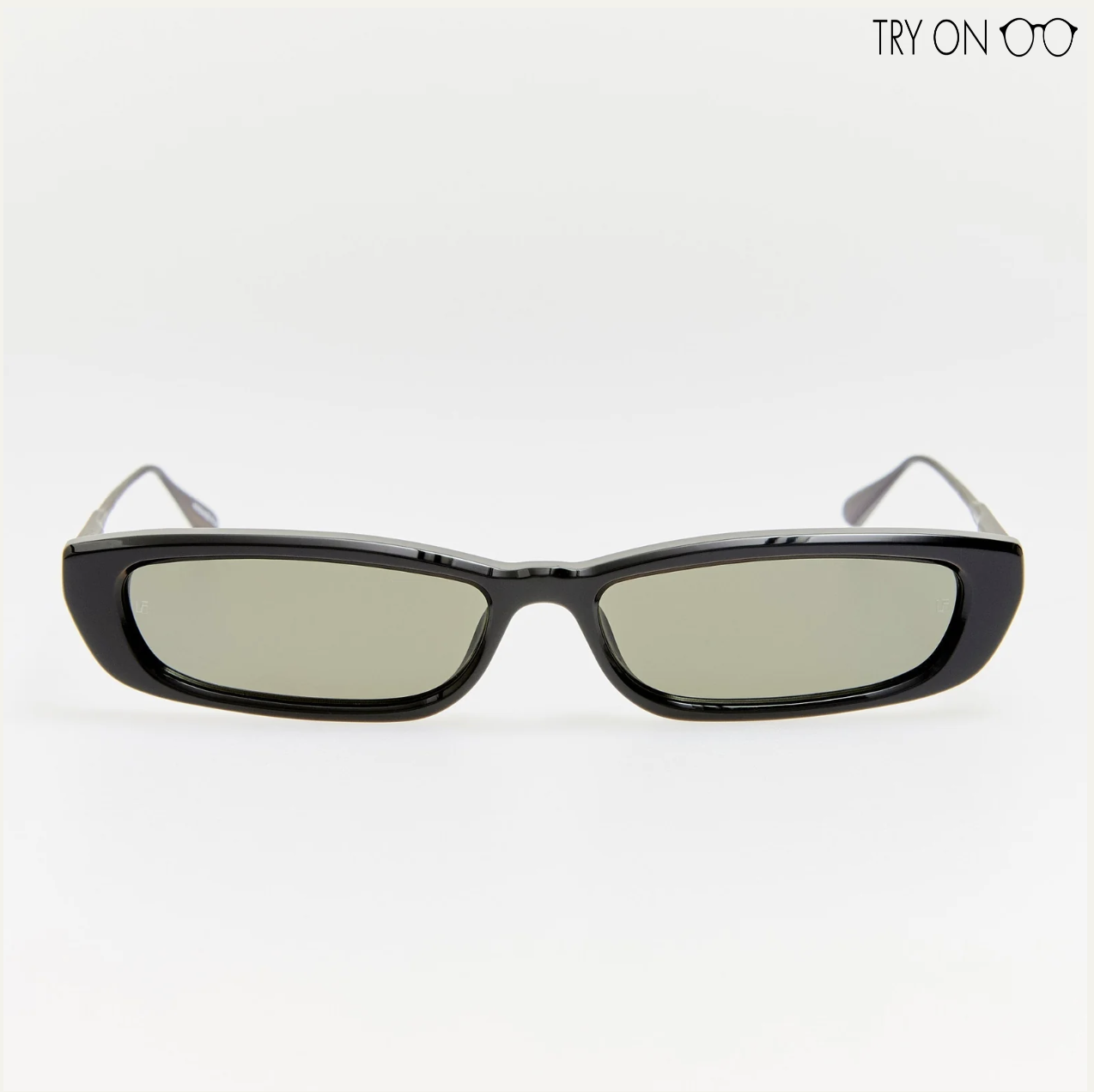
Product photo, straight-on
Eyewear side
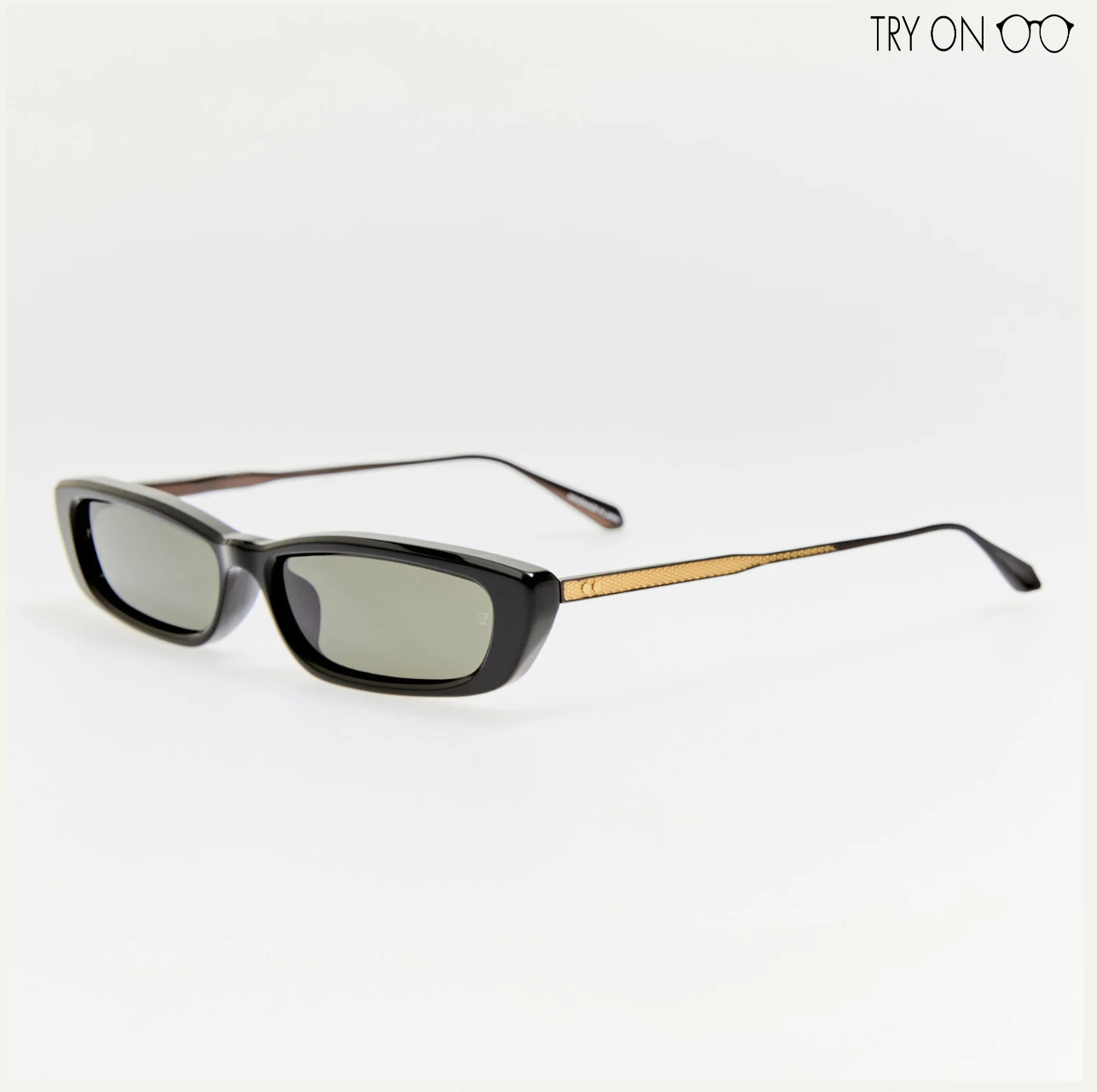
Product photo, side profile
Eyewear detail
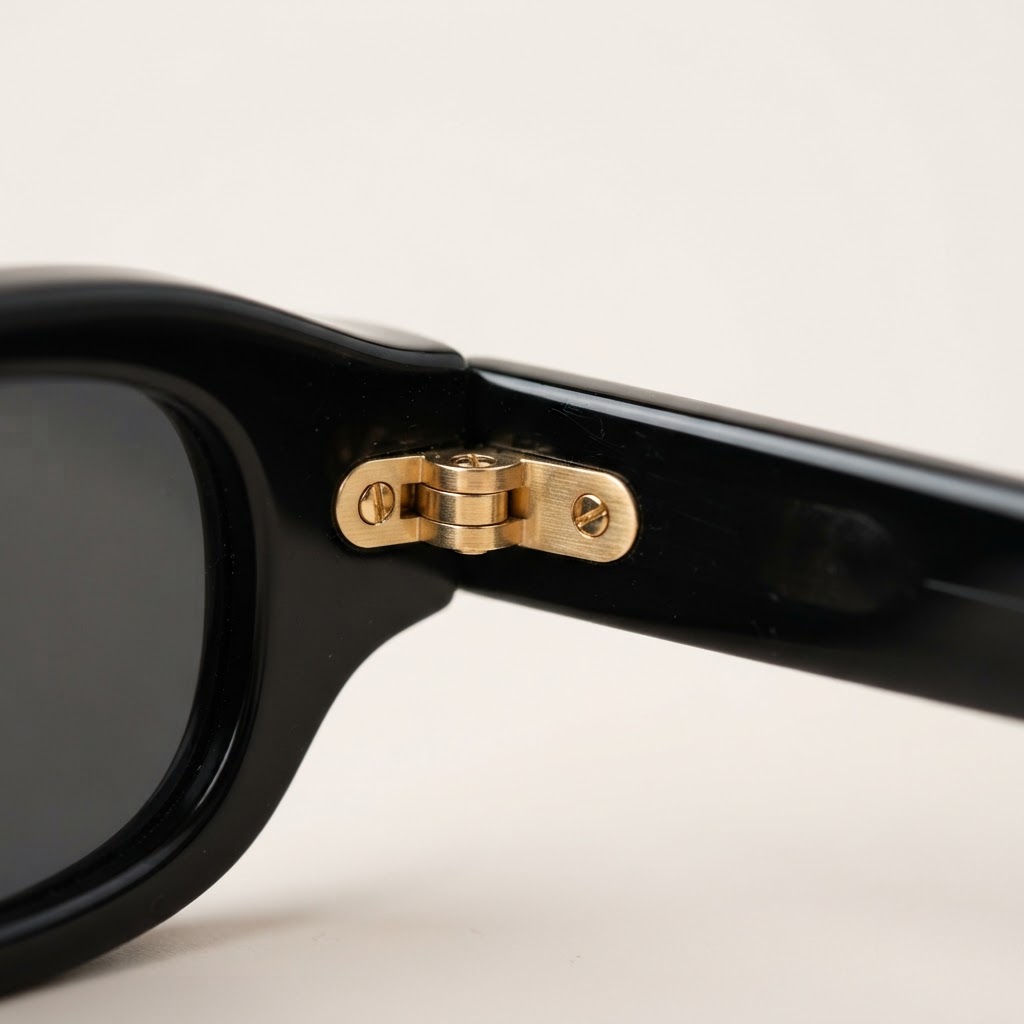
Optional close-up of the frame details
Every set generates 5 images — on-model front + side, ghost product front + side and a detail close-up. Both eyewear views and the optional detail close-up guide every shot. On-model portraits are zoomed out from above the head to mid-chest.
Top Clothing
Stays saved across refreshes until you change or clear it. Optional — leave empty and the model wears a simple neutral top.
Backgrounds
Model shot background
Selected: Creme
Ghost (product) shot background
Selected: Creme
Match reference lenses
Lenses are reproduced exactly as photographed — tint, transparency and cut-out corners included.
Aspect Ratio
Results are framed in this ratio — drag the image inside its frame to adjust the crop, then download exactly what you see.
5 images — 2 on-model + 2 ghost + 1 detail = 820 credits
5 images × 160 credits + 2 references × 10 credits. Every shot uses both eyewear views and the detail close-up when supplied; on-model shots also use the selected face.
On-model front
On-model side
Ghost front
Ghost side
Detail close-up
Pick a studio model (or upload both face photos) plus the Eyewear front and Eyewear side slots to get started.
AI-generated visuals can make mistakes — not every image will be perfect. If a result isn't quite right, simply regenerate it.